Fitting tempered glass on your mobile is essential to protect the screen from scratches, cracks, and daily wear. Doing it carefully ensures a smooth, bubble-free finish that aligns perfectly with your device.
Step 1: Prepare Your Workspace
-
Choose a clean, dust-free surface with good lighting.
-
Wash your hands to prevent fingerprints.
-
Place your mobile on a flat, stable surface.
Step 2: Clean the Screen
-
Use the alcohol wipe from the tempered glass kit to remove fingerprints, dirt, and oil.
-
Dry the screen with a microfiber cloth.
-
Use a dust removal sticker to pick up any remaining particles.
Step 3: Check the Glass Alignment
-
Without peeling the backing, place the tempered glass over the screen.
-
Ensure it aligns with edges, camera, sensors, and buttons.
- Adjust positioning to center it properly.
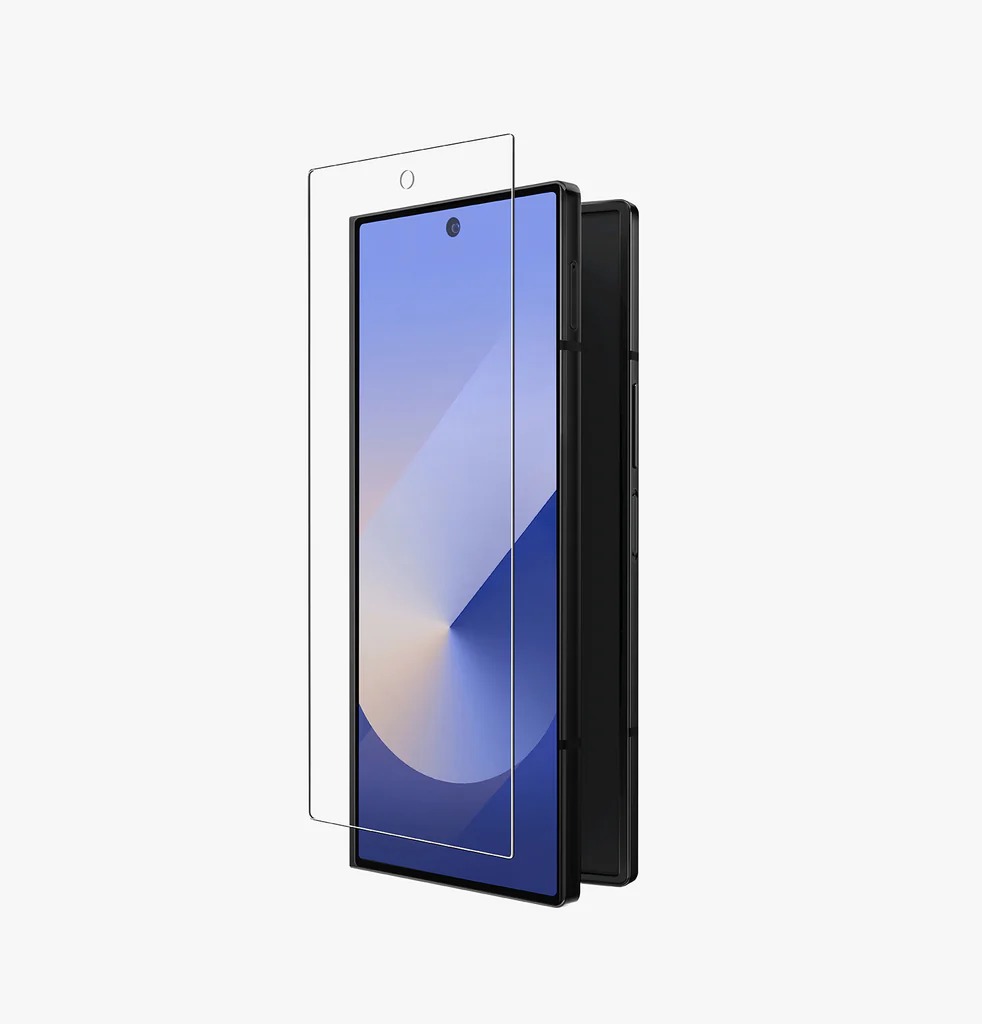
Step 4: Apply the Tempered Glass
-
Peel off the protective backing film from the adhesive side.
-
Slowly lower the tempered glass from the top or center, letting it settle naturally.
-
Avoid pressing too hard immediately to prevent bubbles.
Step 5: Remove Air Bubbles
-
Gently press in the center of the screen.
-
Use a microfiber cloth or soft card to push any remaining bubbles toward the edges.
Extra Tips for a Perfect Fit
-
Apply in a dust-free indoor environment.
-
Do not touch the sticky side of the glass.
-
Minor bubbles may disappear after a few hours.
Final Thoughts
Tempered glass fitting on a mobile is easy and effective when done carefully. Proper cleaning, alignment, and gentle pressing ensure a smooth, protective layer that keeps your mobile screen safe from scratches and minor impacts.